A closer look at OpenShot
Explore the interface and the tools that bring every edit together.
-
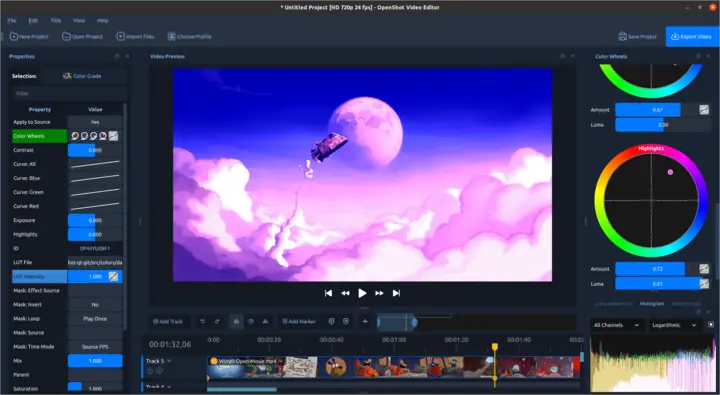
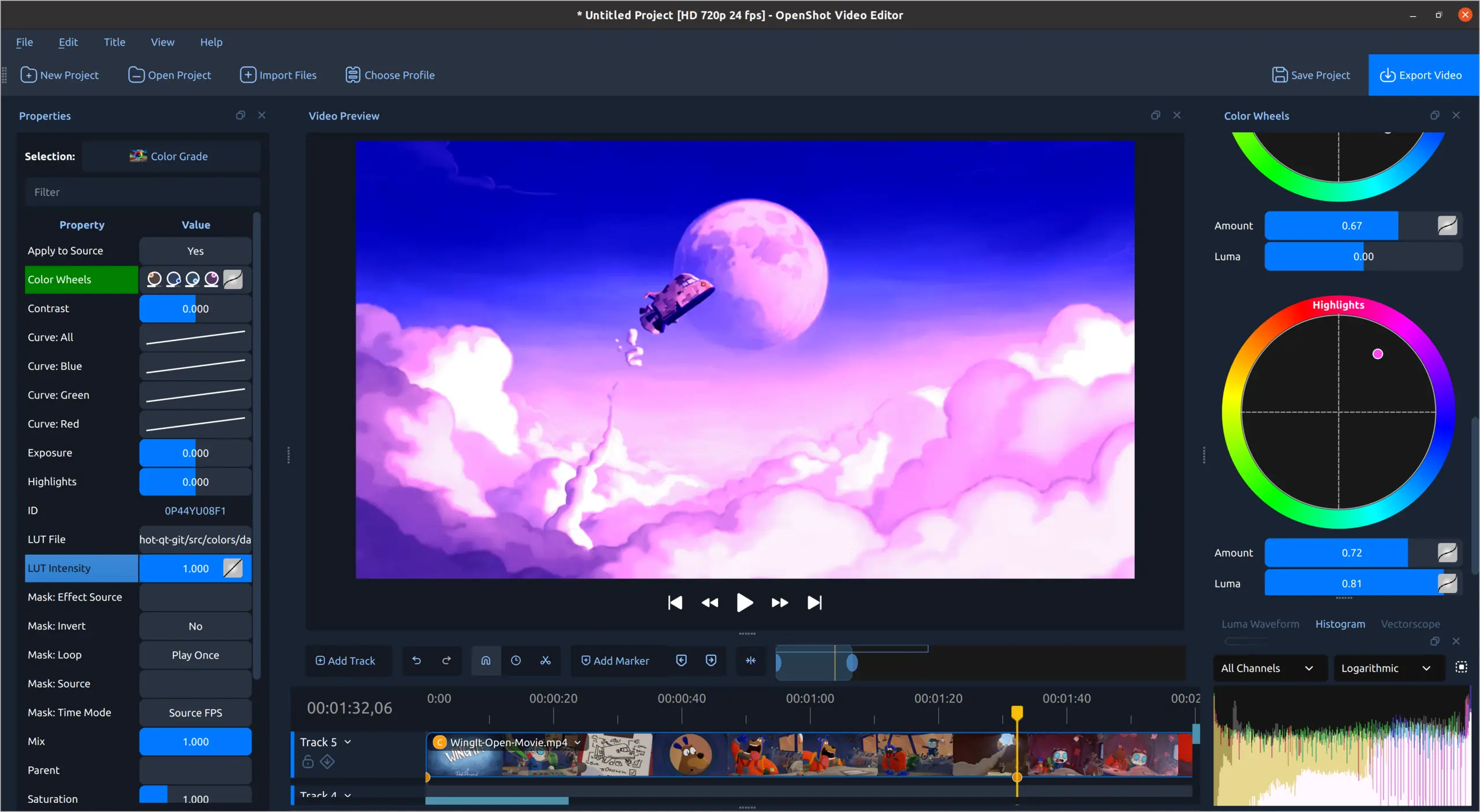
LUT-based color styling
Apply a color preset, then refine its intensity with color controls and scopes.
-
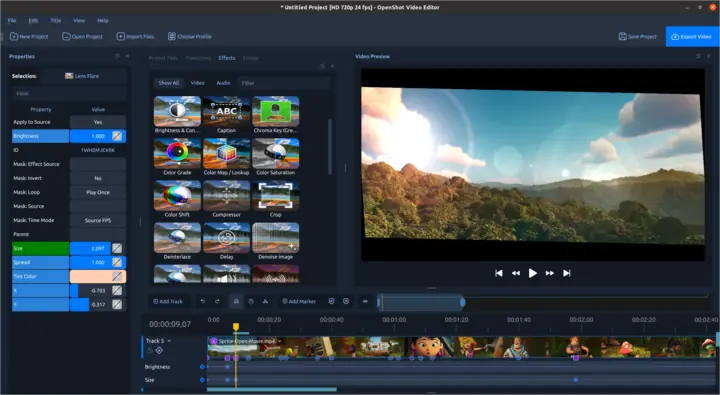
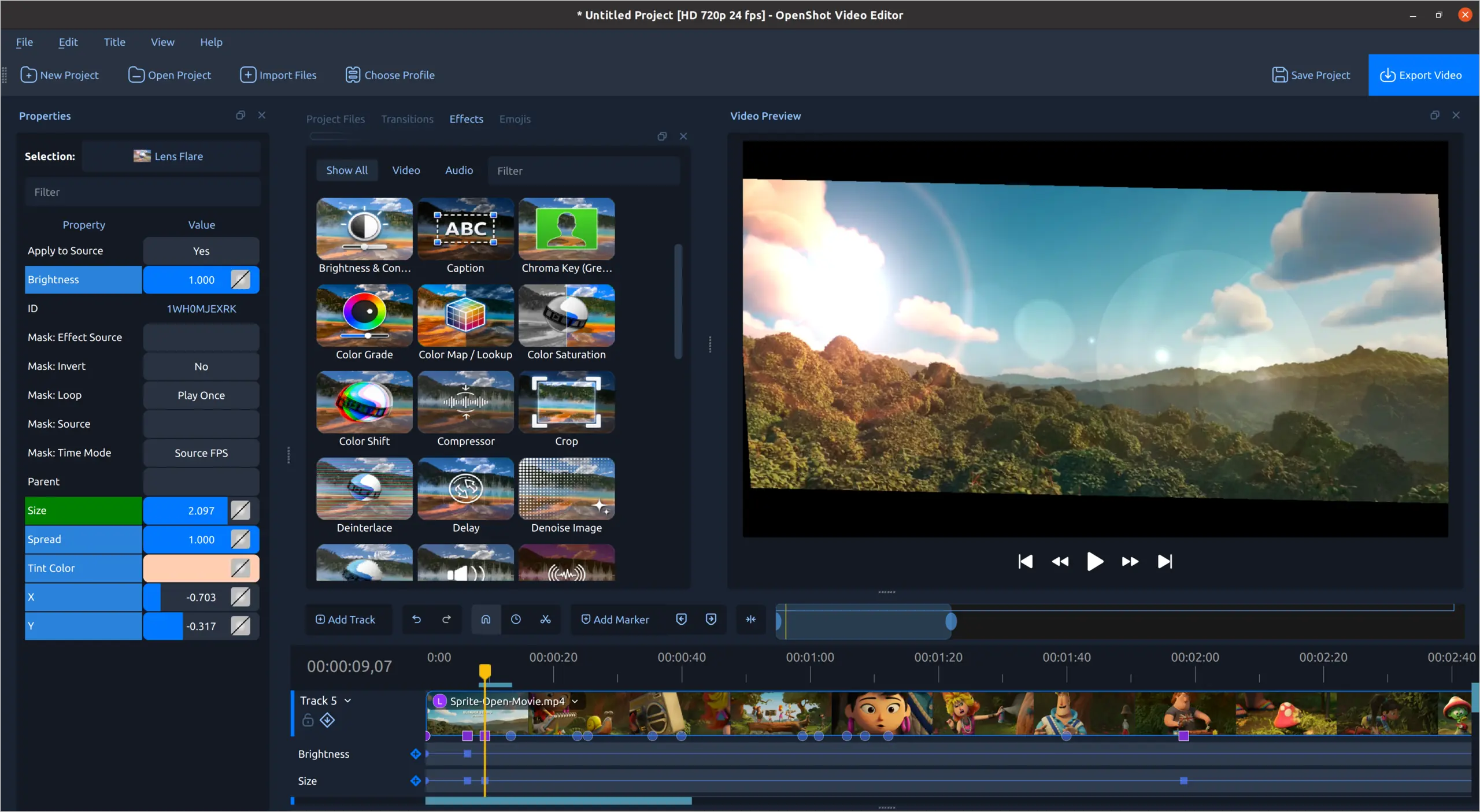
Creative video effects
Adjust visual effects and animate their properties over time.
-
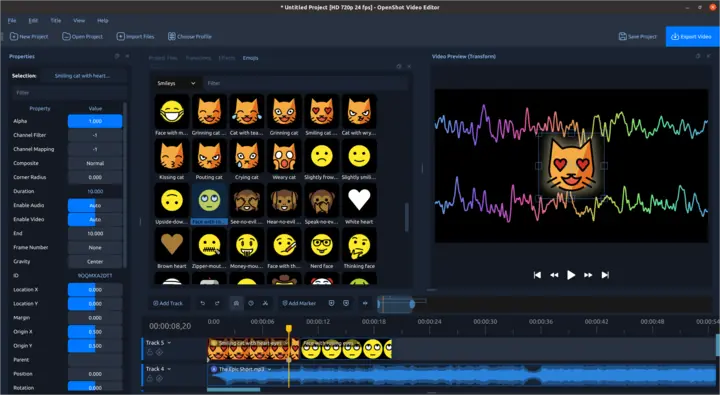
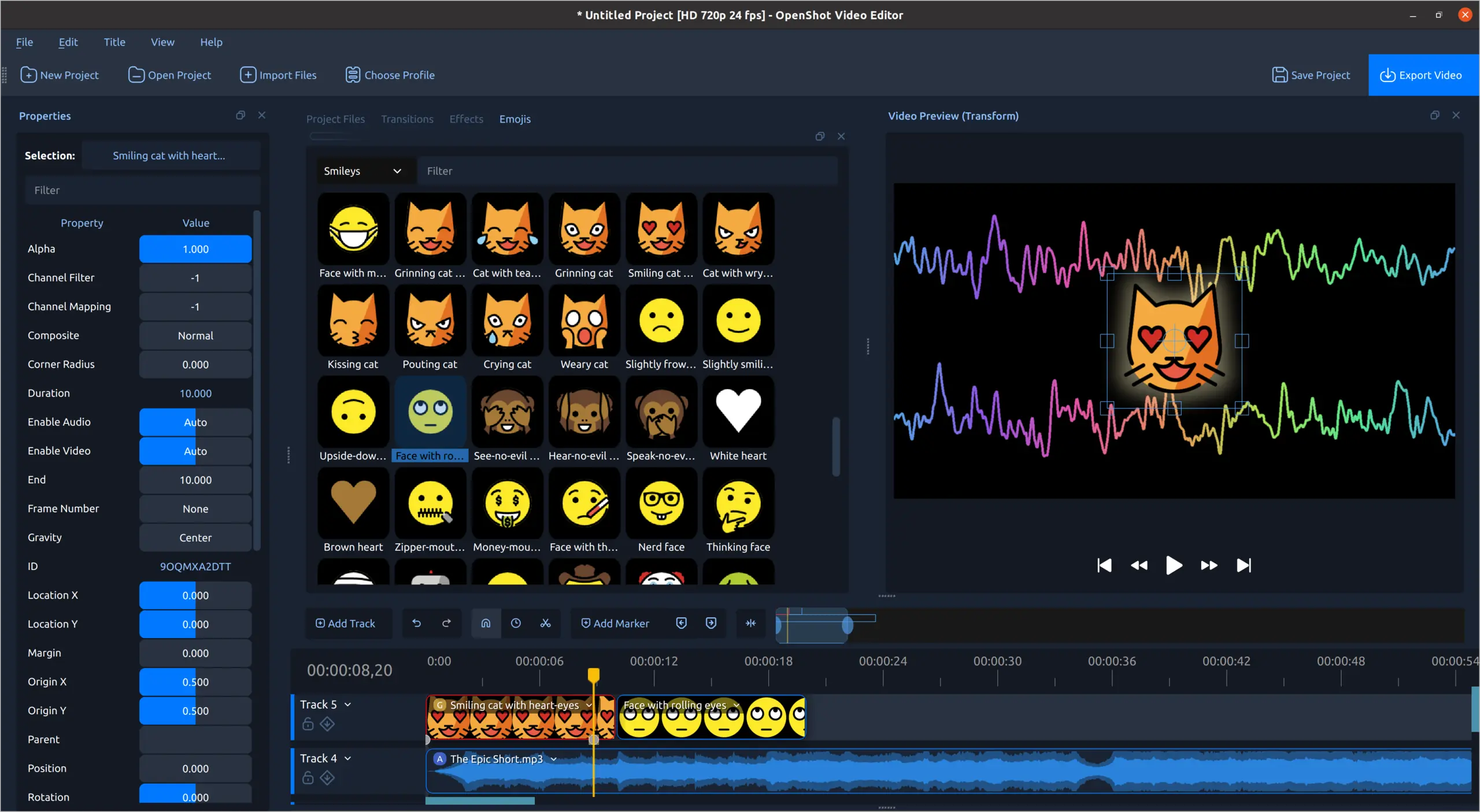
Audio and emoji animation
Combine animated emoji artwork with responsive audio waveforms.
-
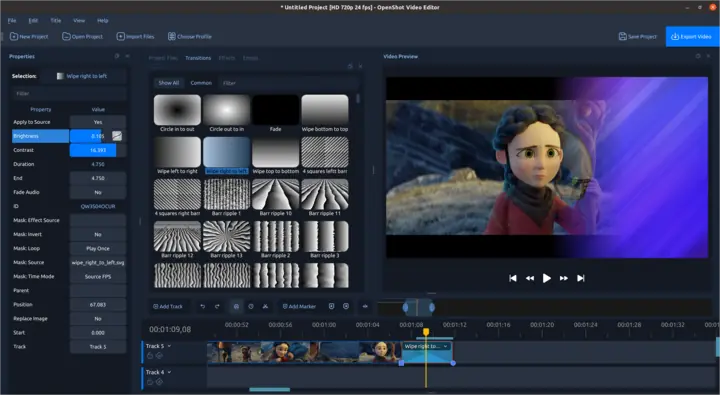
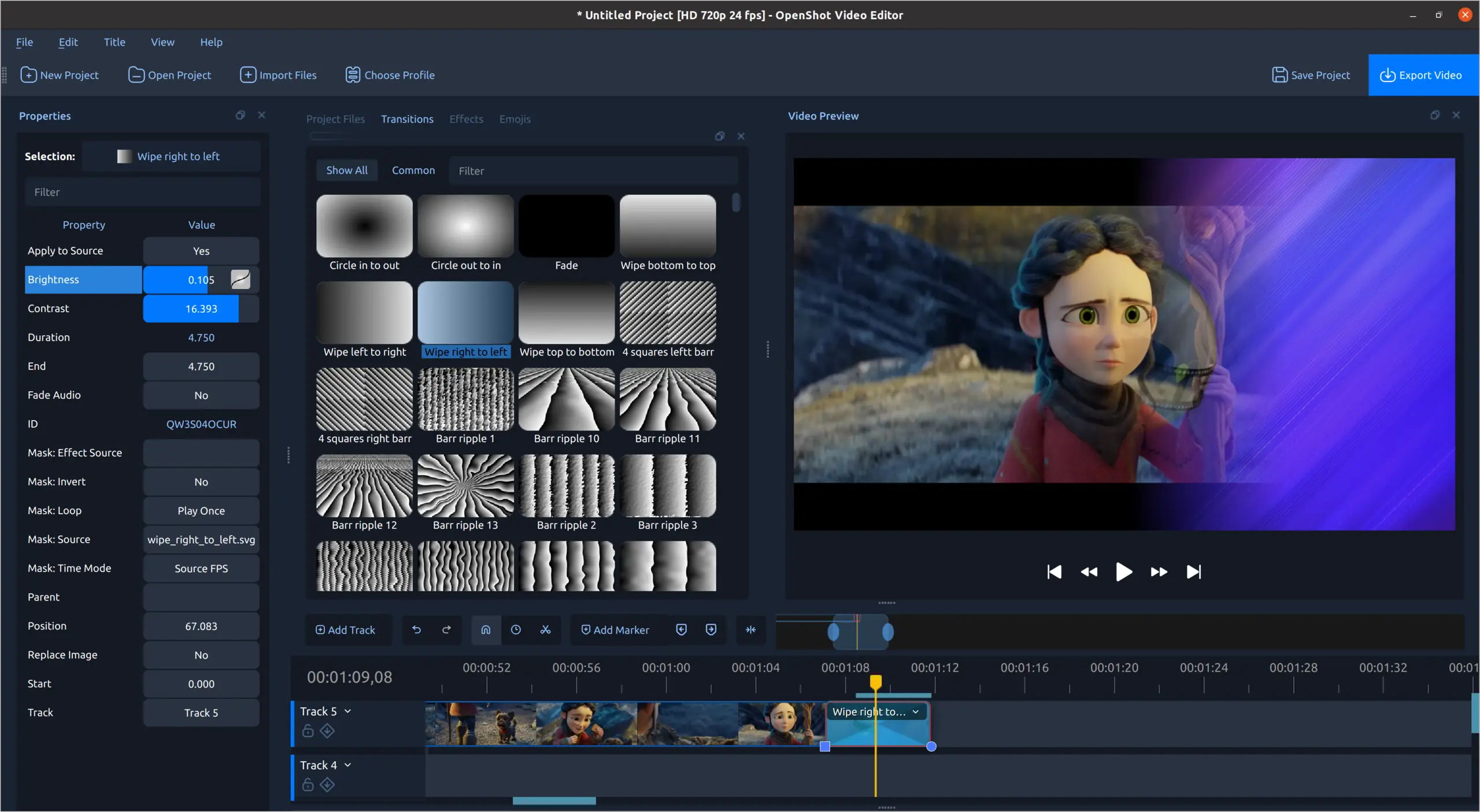
Transitions and wipes
Browse transition patterns, adjust their properties, and preview the result.
-
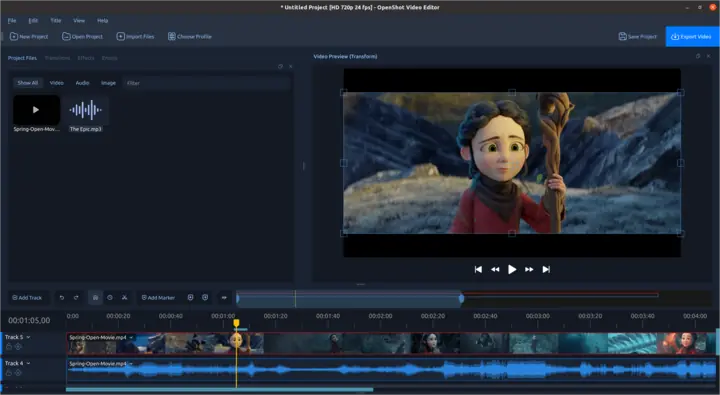
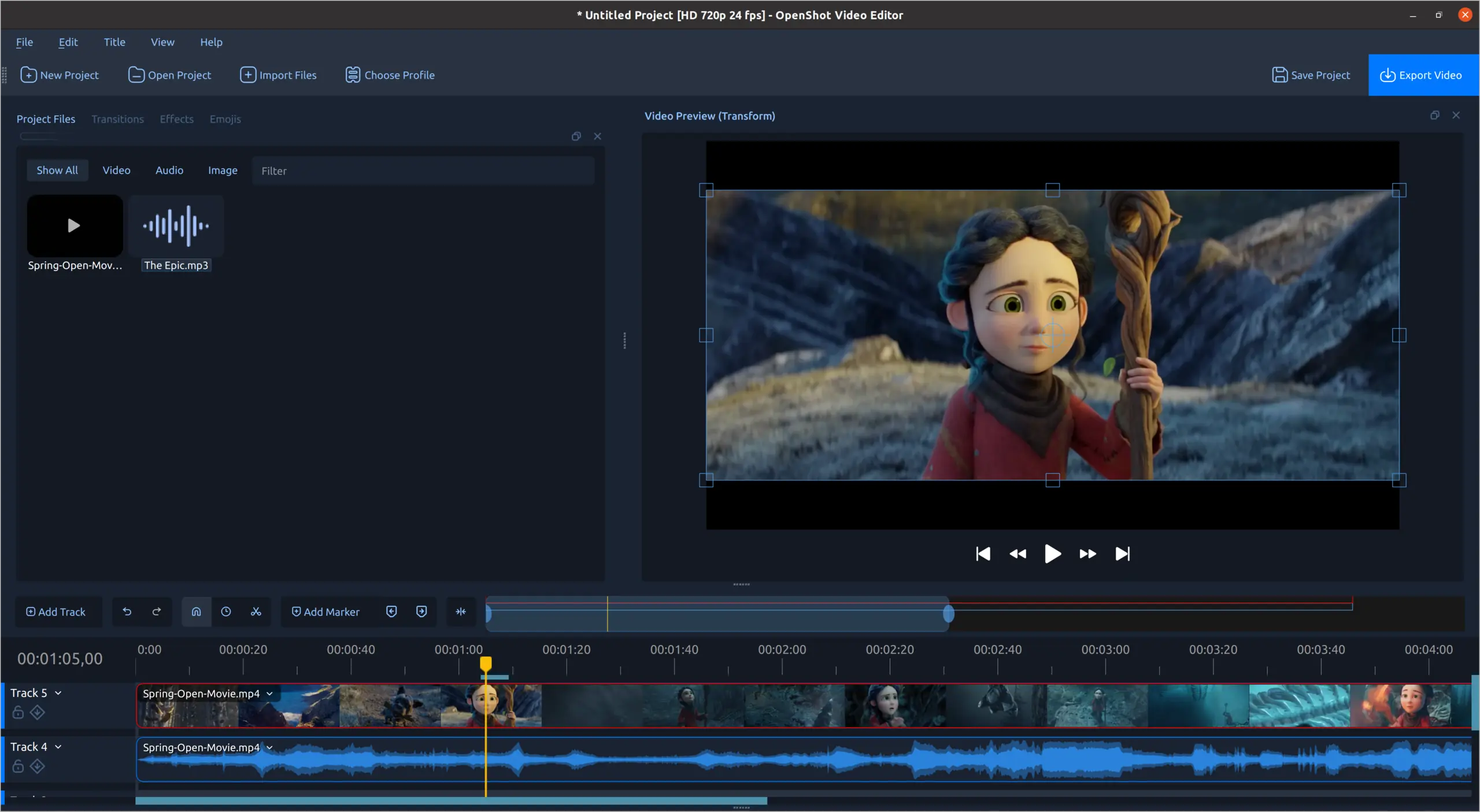
Precision timeline editing
Video thumbnails and audio waveforms across a focused two-track edit.
-
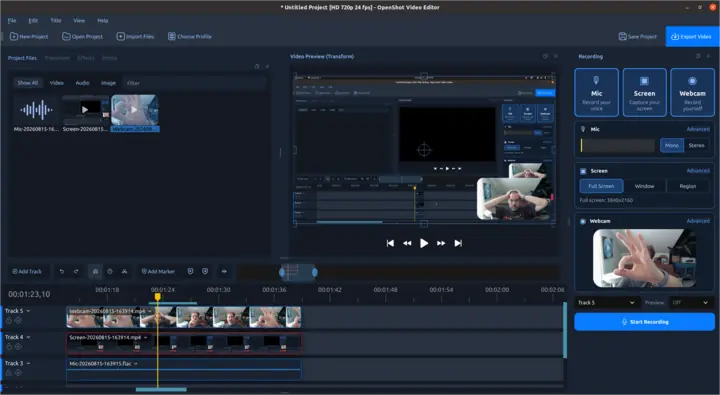
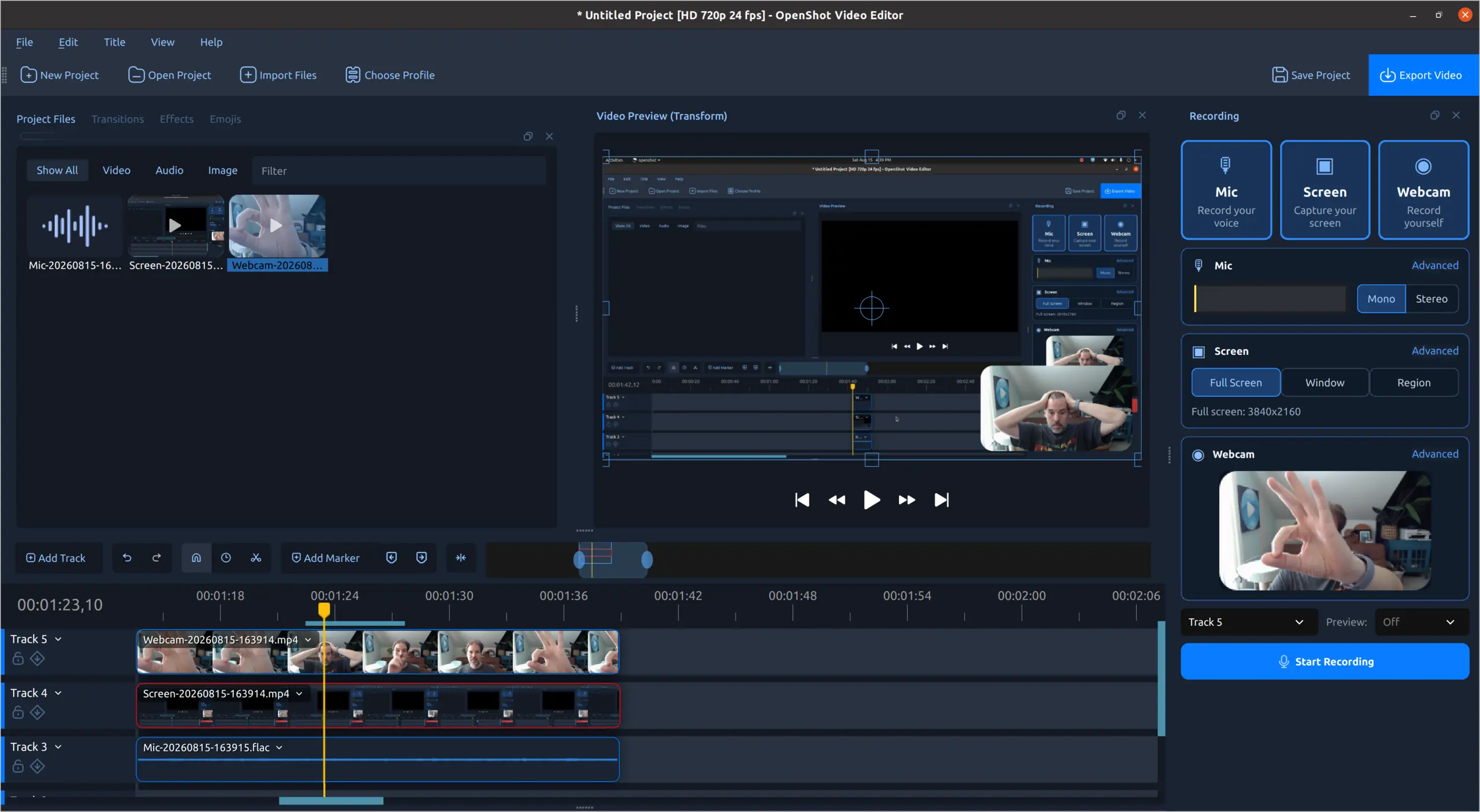
Built-in recording
Capture your microphone, screen, and webcam directly inside OpenShot.
-
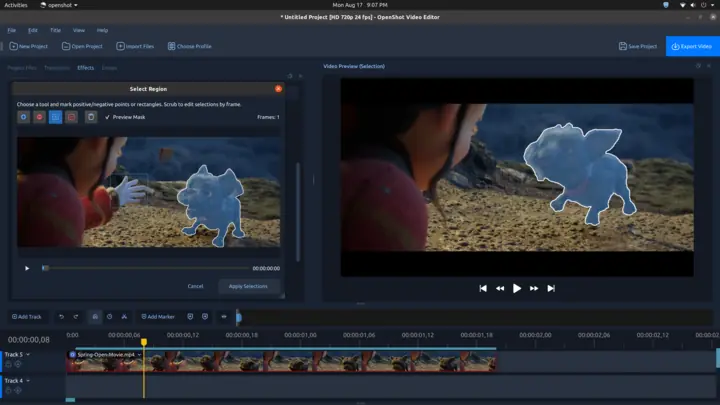
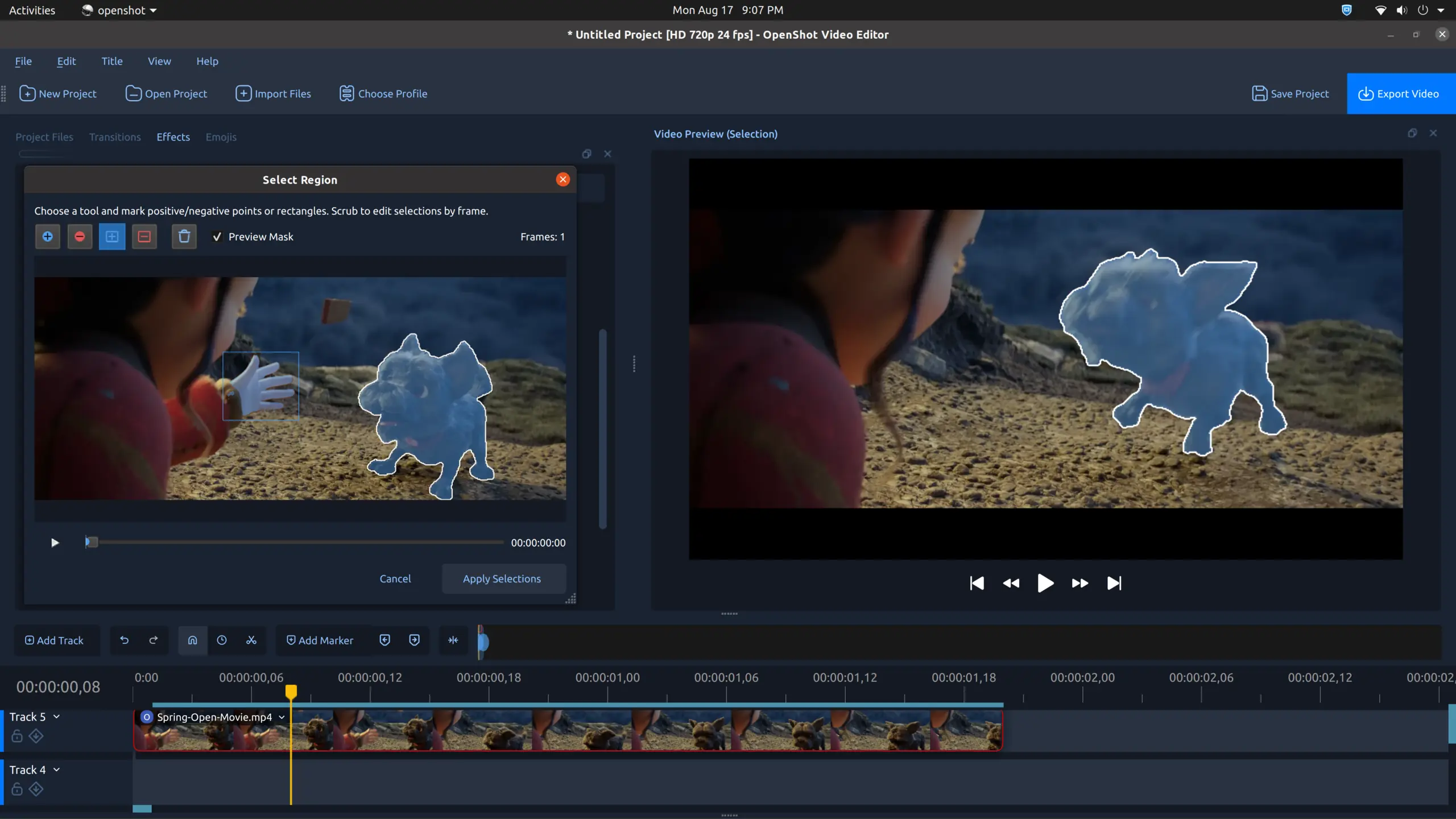
Interactive video masks
Mark a region, inspect the generated mask, and preview it against the source video.
-
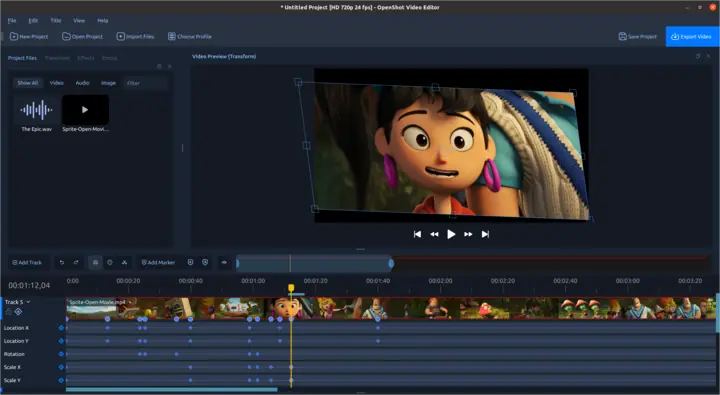
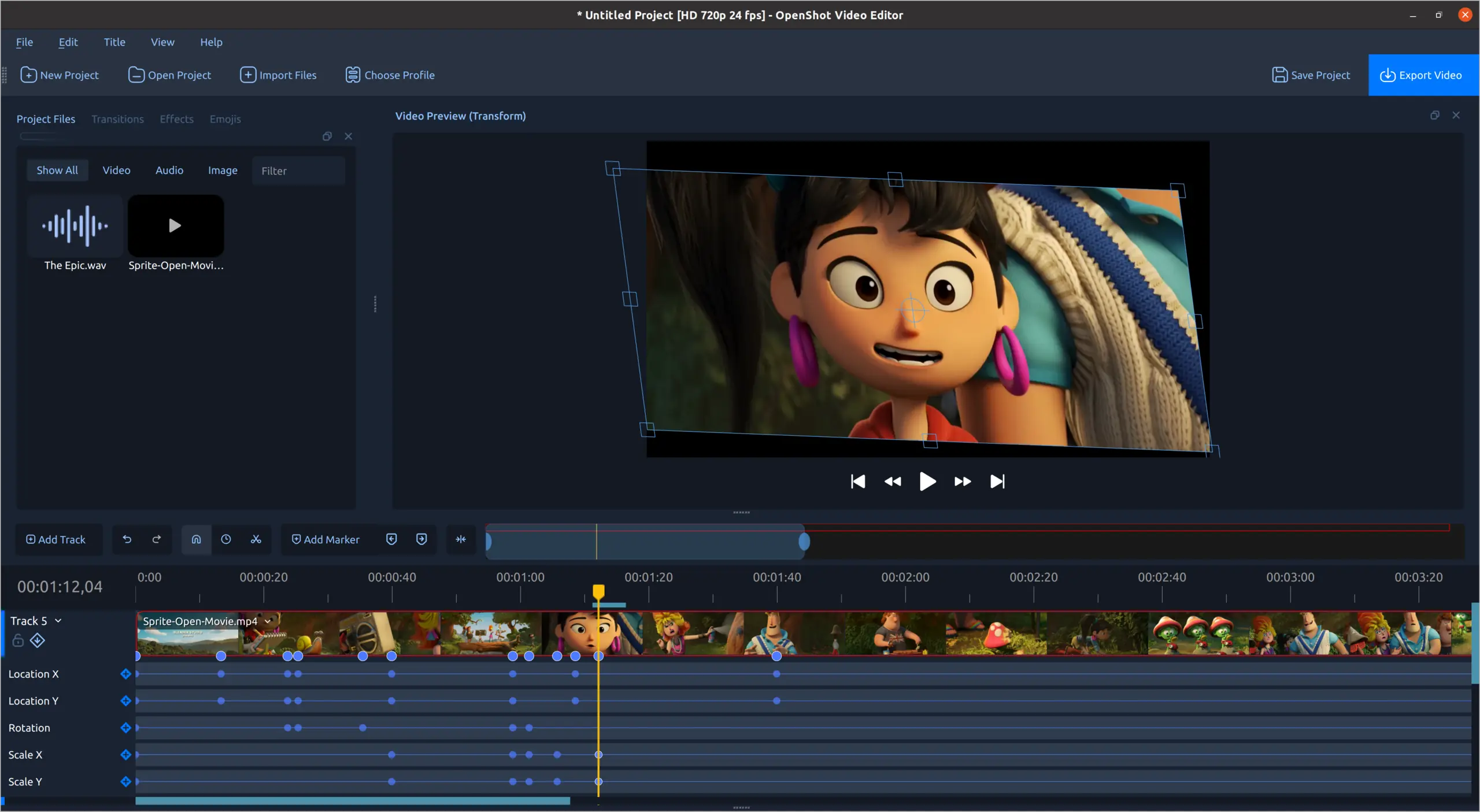
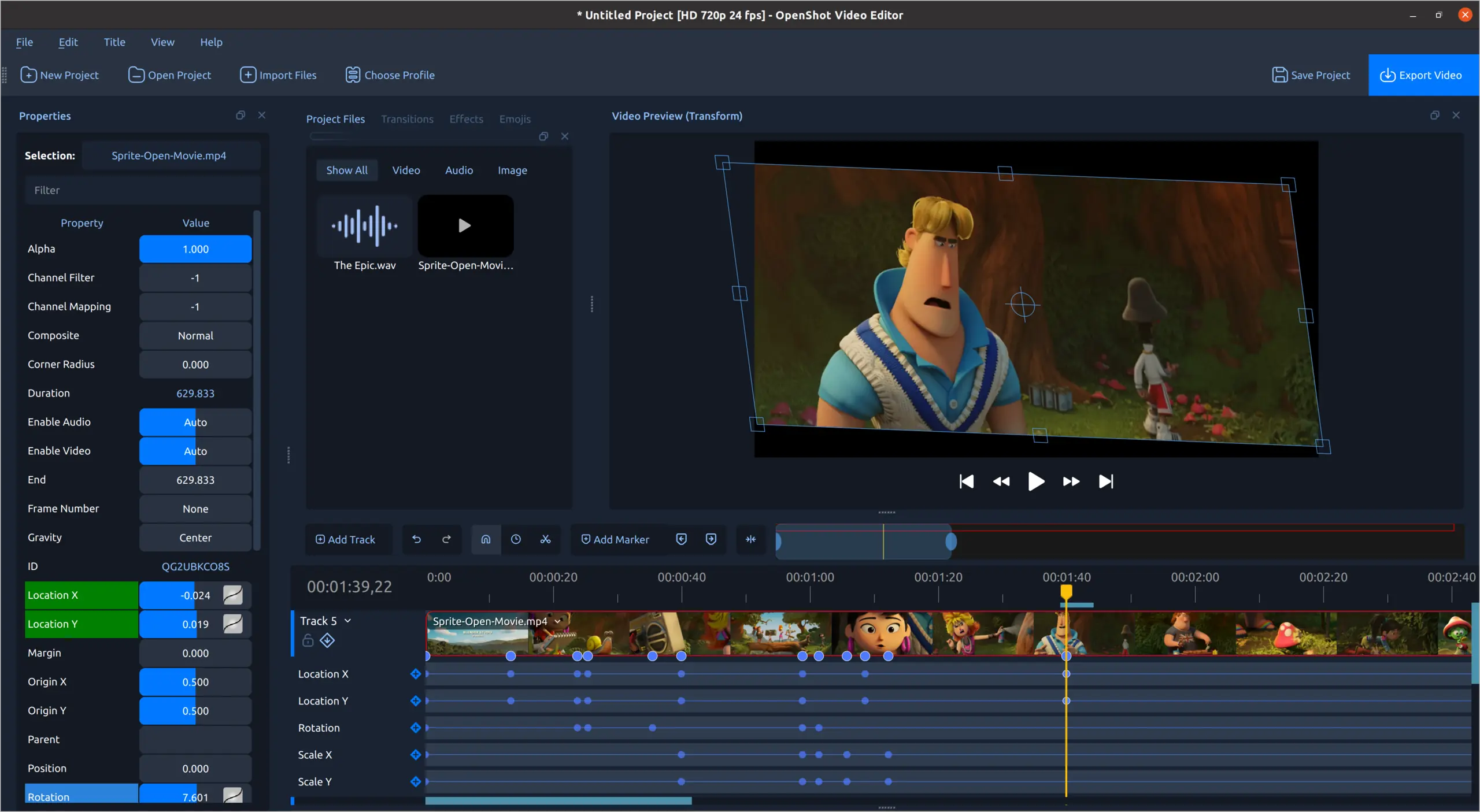
Visual keyframe editing
Animate position, rotation, and scale with precise controls directly on the timeline.
-
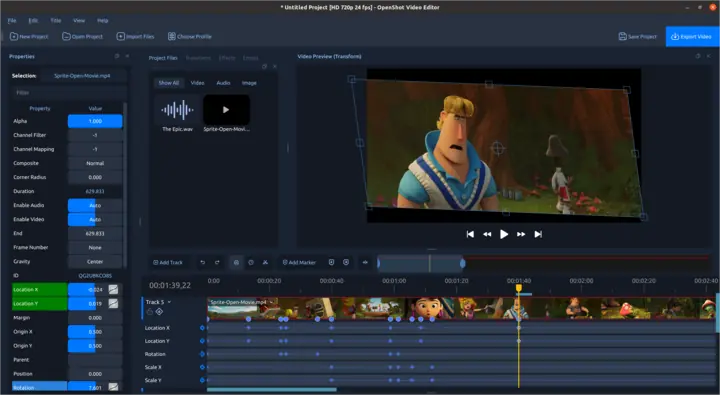
Detailed animation controls
Fine-tune multiple animated properties while previewing every transformation.
-
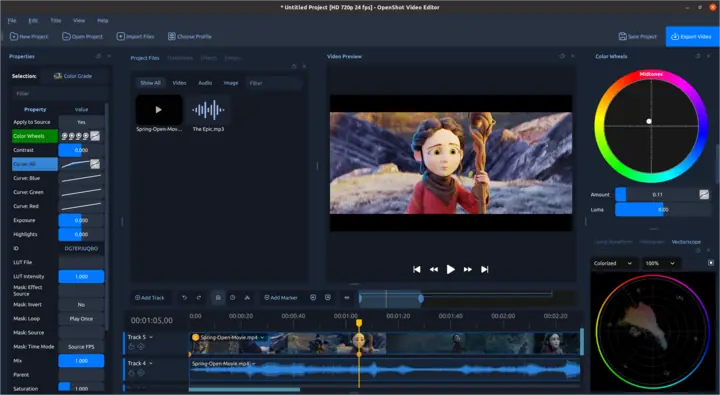
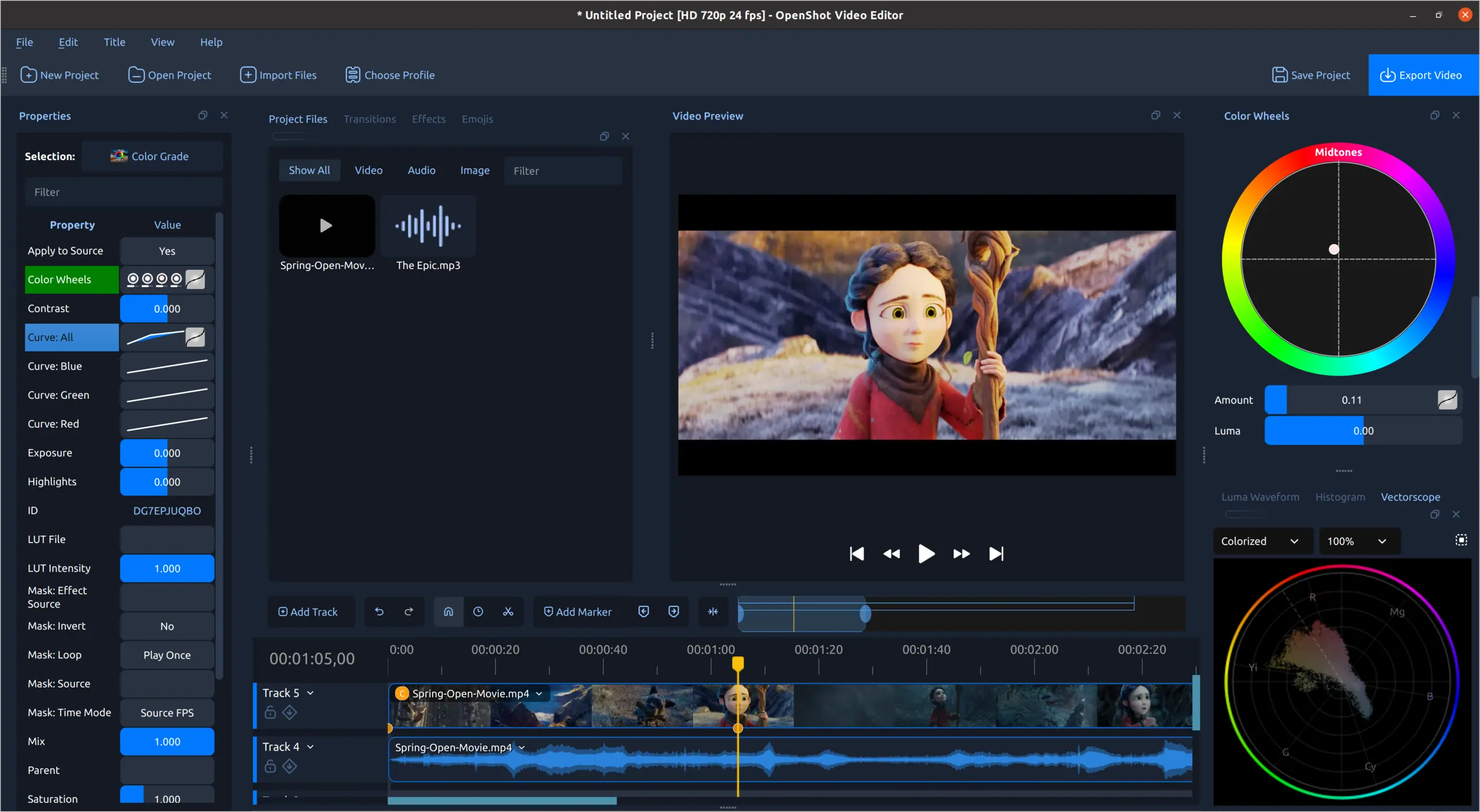
Color grading workspace
Shape highlights and midtones with color wheels and live video scopes.
-
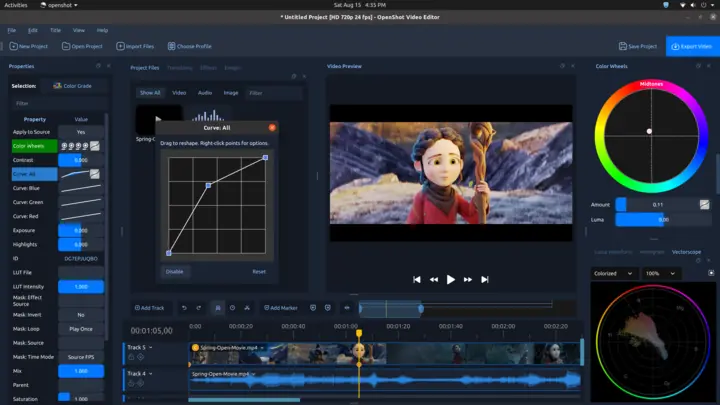
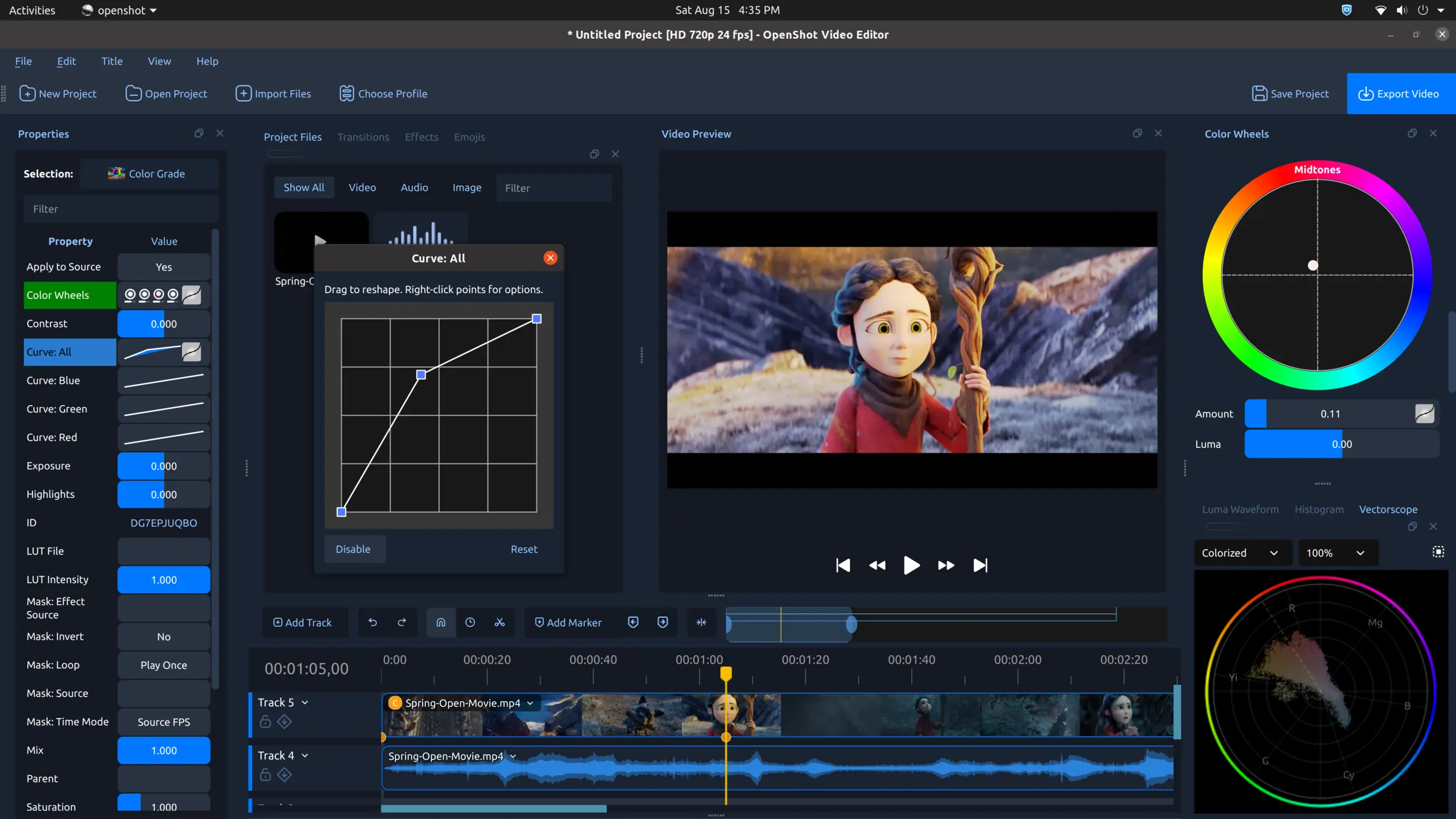
Custom color curves
Reshape tonal curves for detailed control over contrast and individual color channels.
-
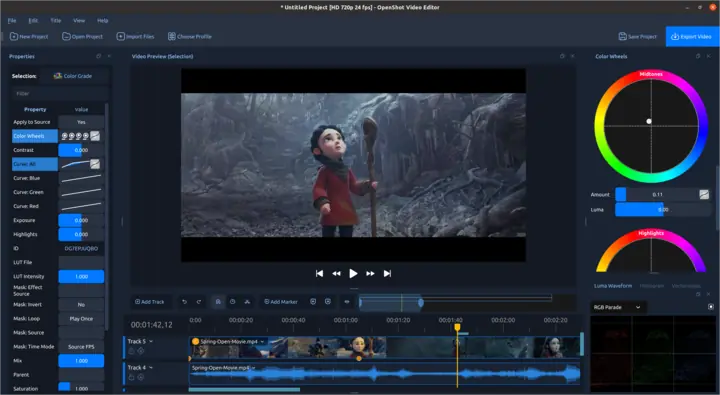
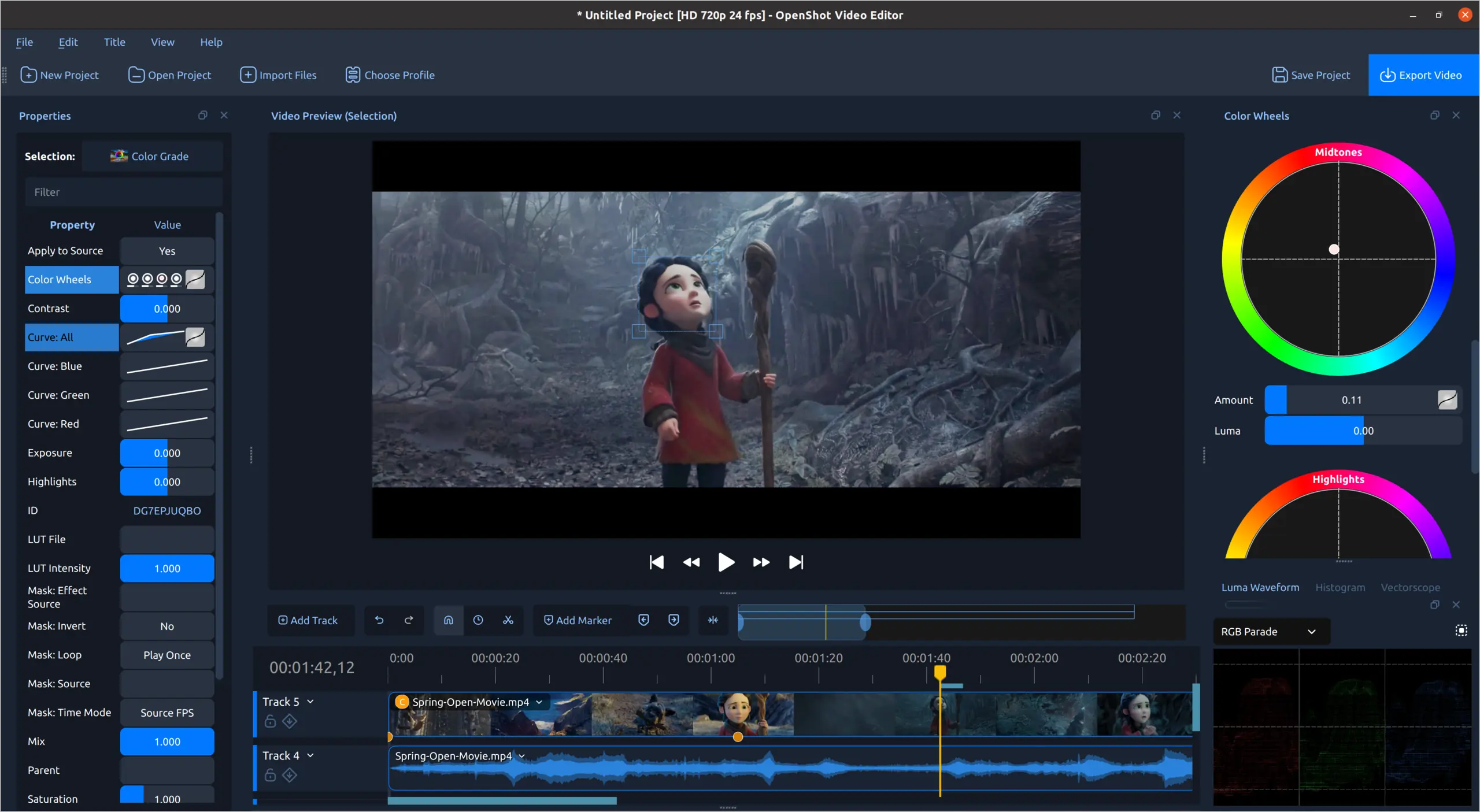
RGB parade and color scopes
Inspect color channels while grading footage with precise visual feedback.
-
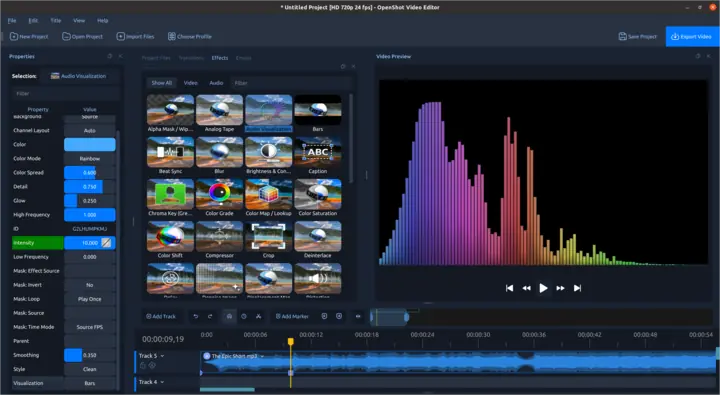
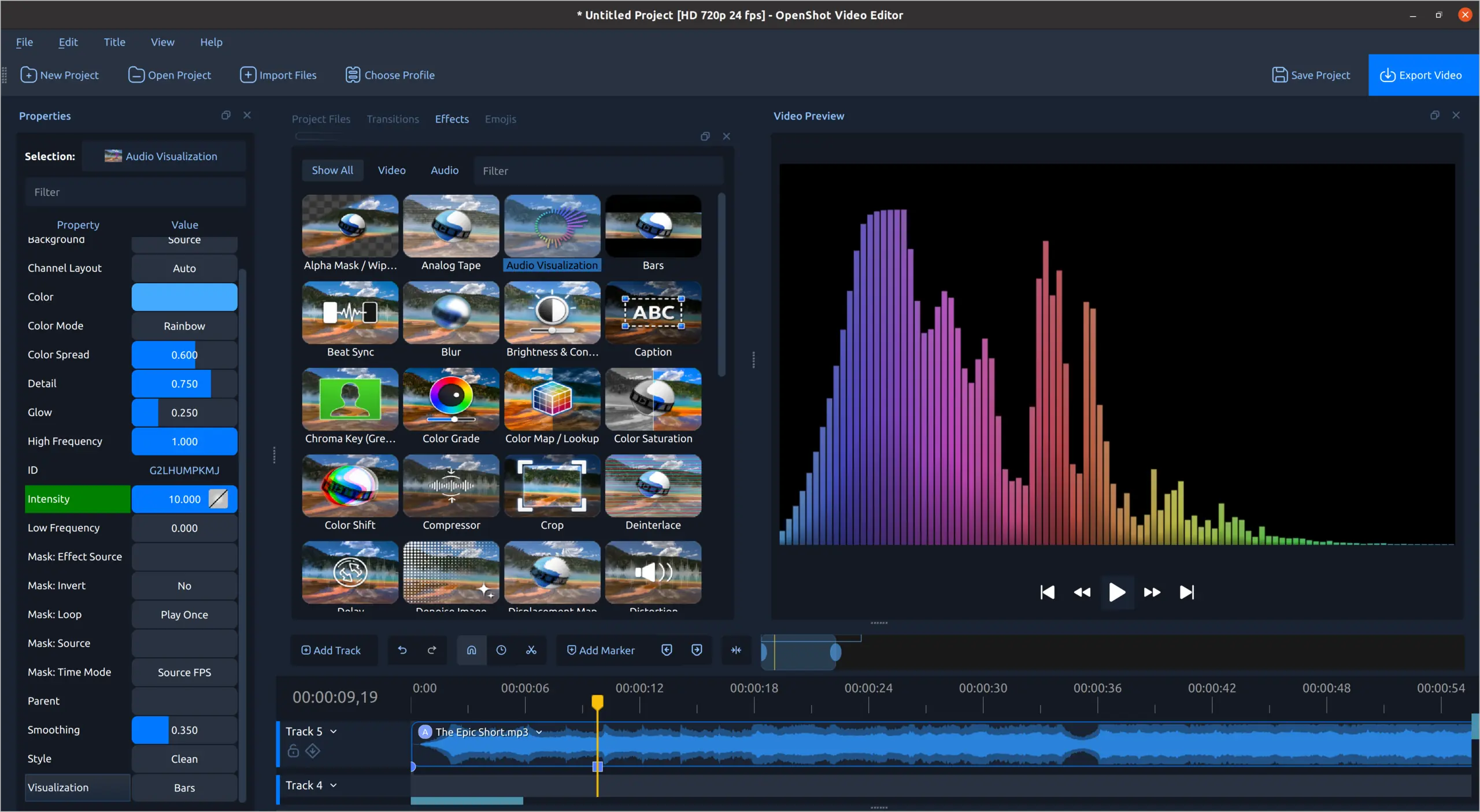
Rainbow audio bars
Turn music and voice into colorful, customizable bar visualizations.
-
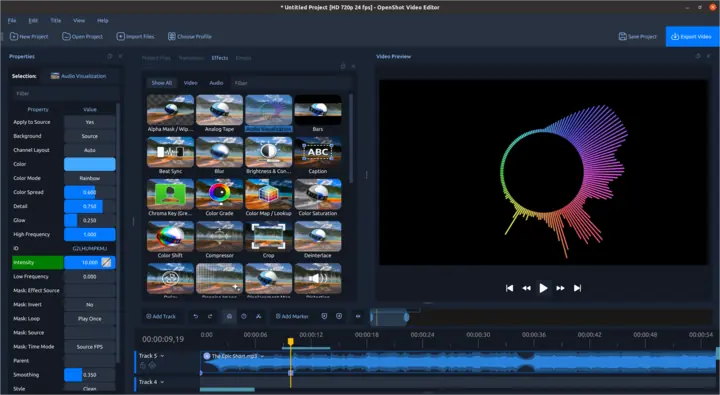
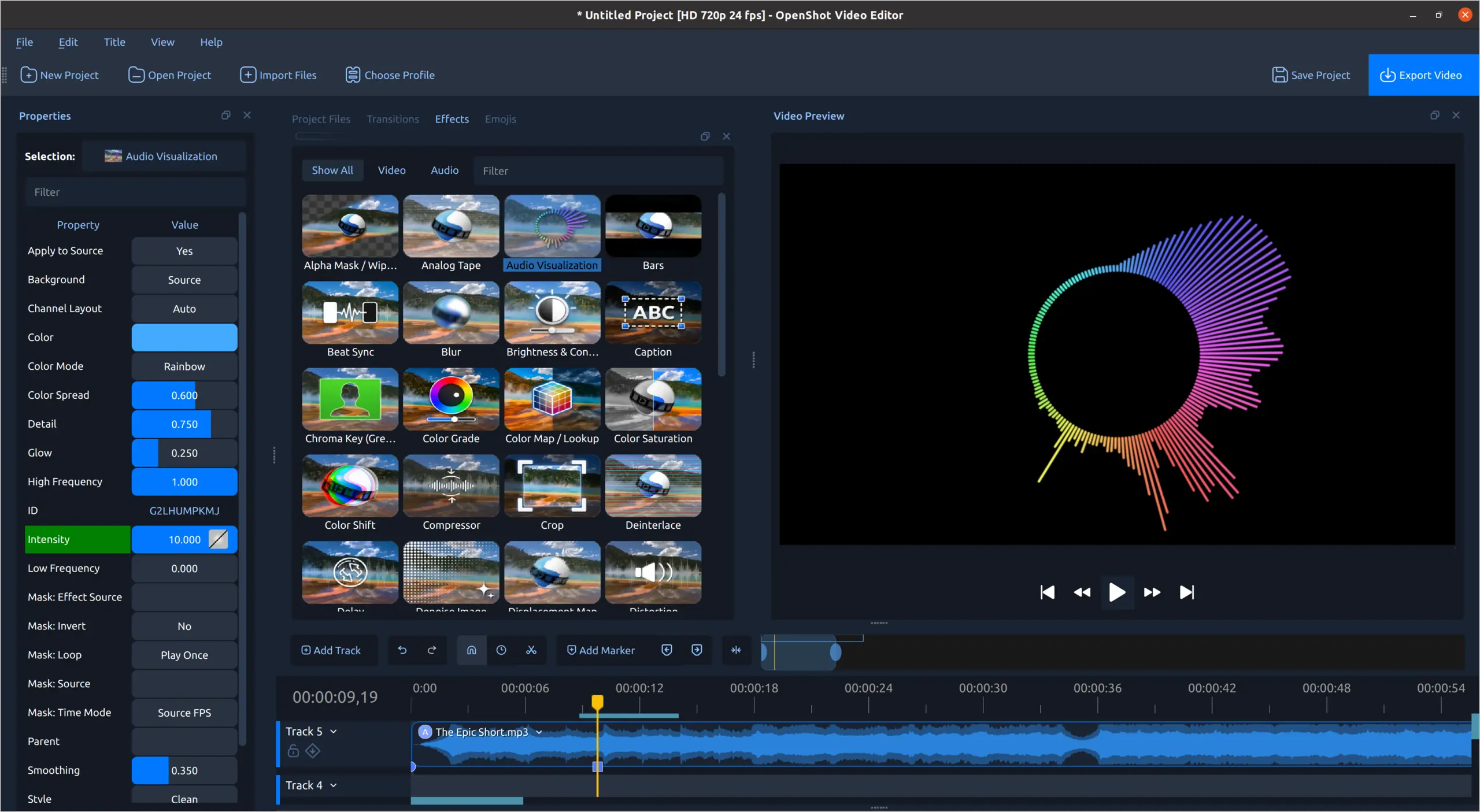
Radial audio visualization
Build circular, beat-driven visual effects from any audio track.
-
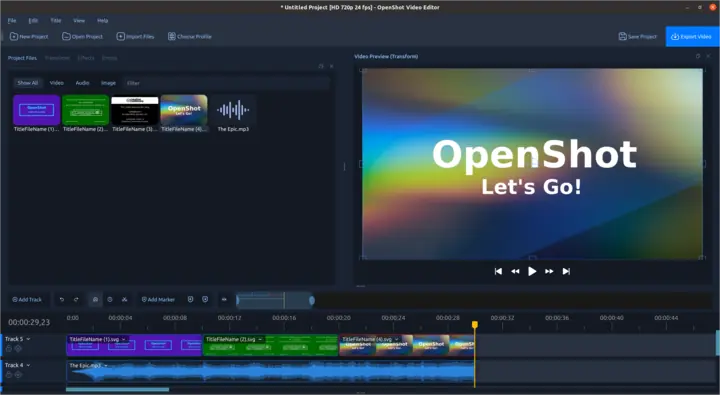
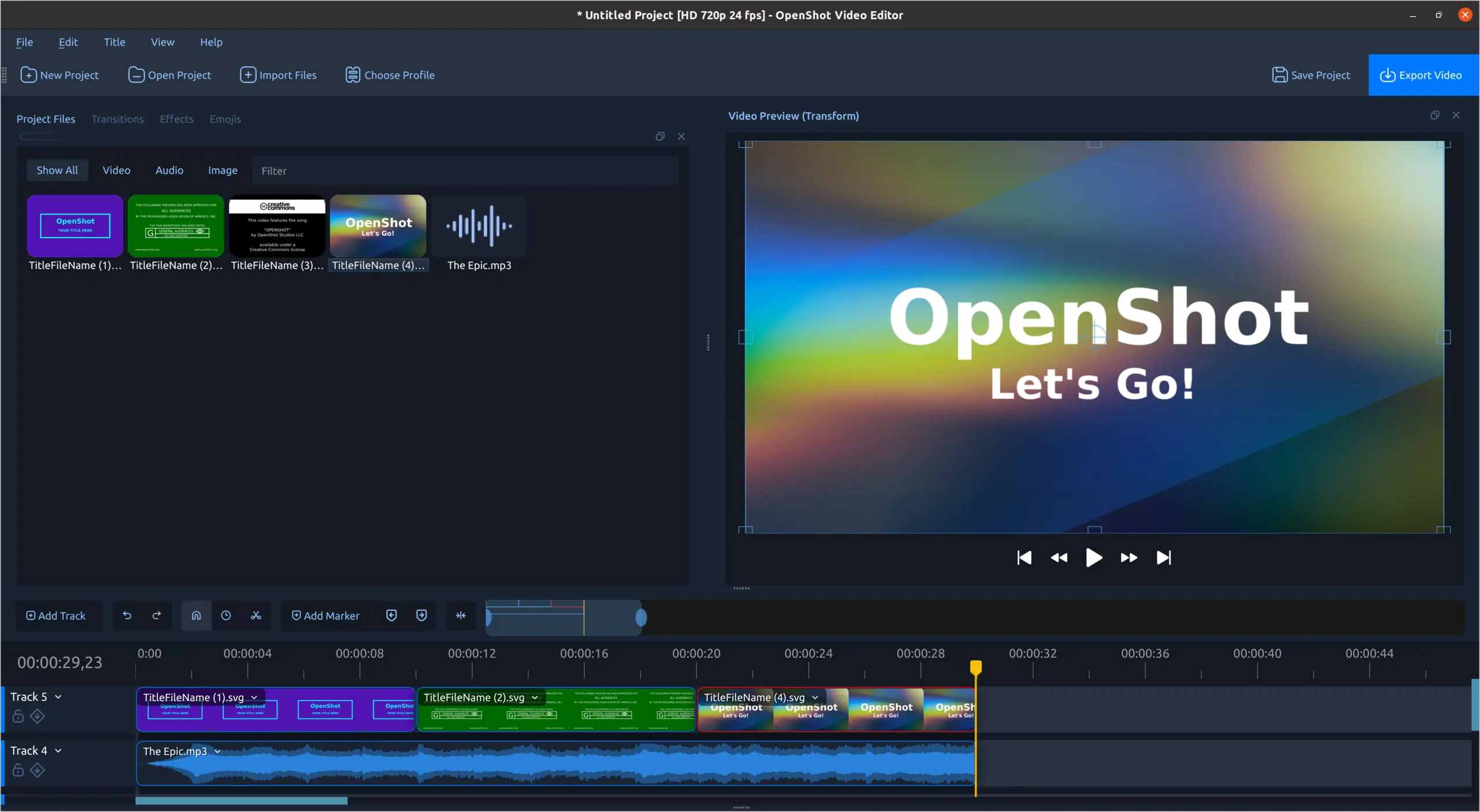
Title templates
Customize title templates and arrange them with audio on the timeline.
-
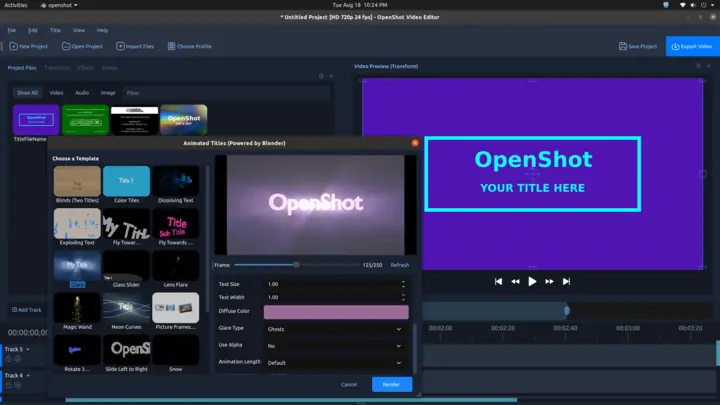
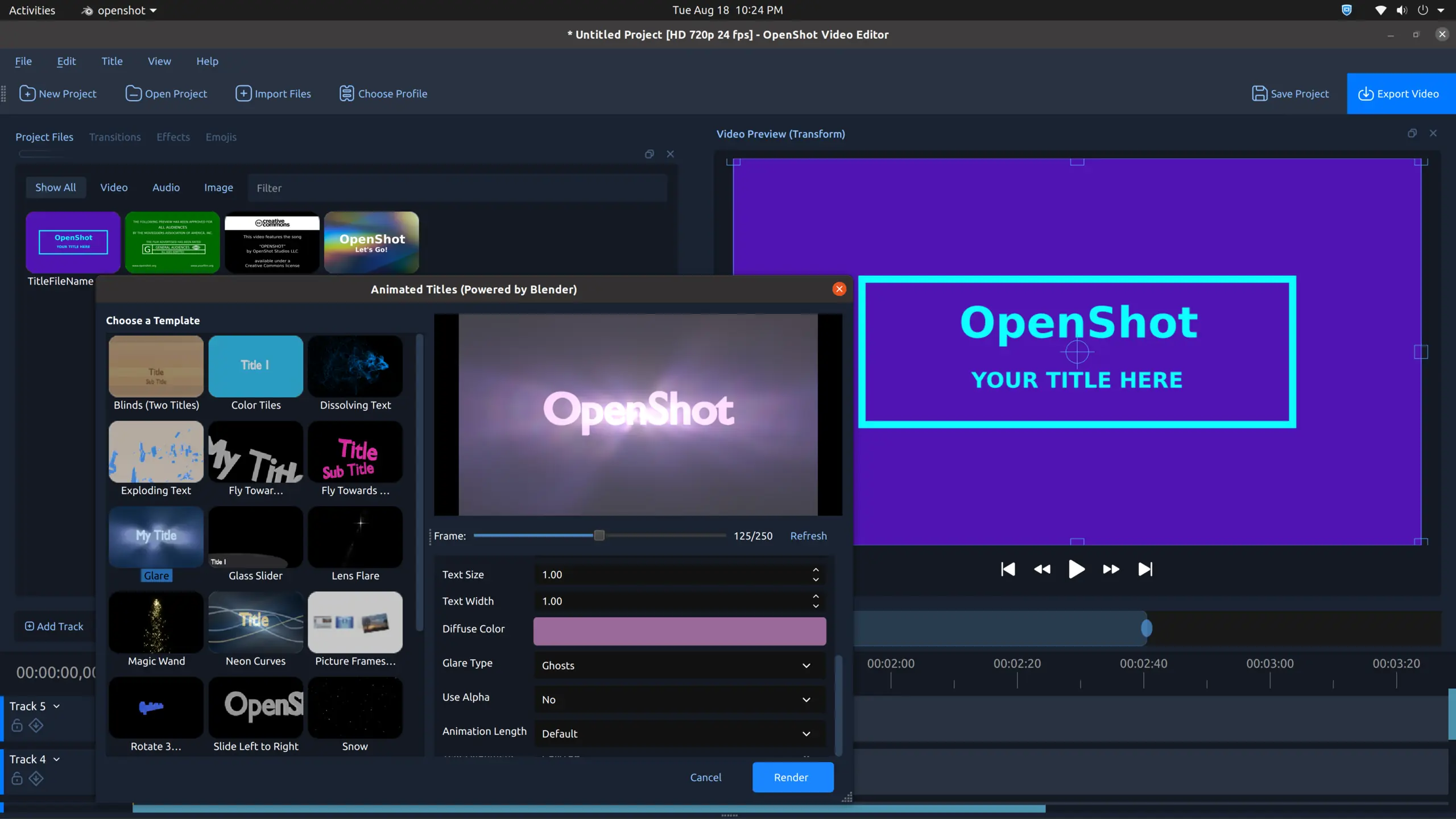
3D animated titles
Choose a Blender-powered animation, adjust its properties, and preview the result.
-
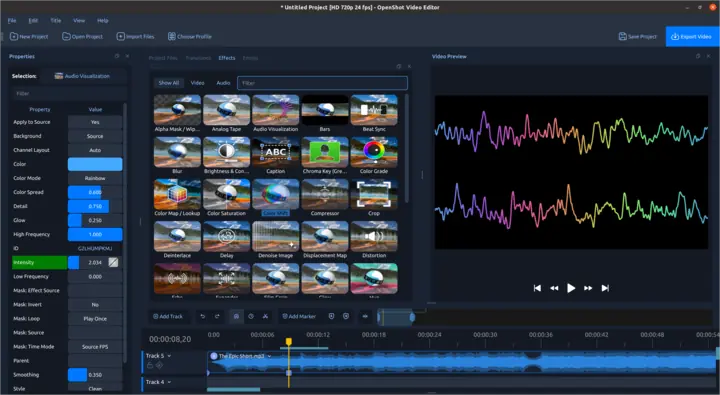
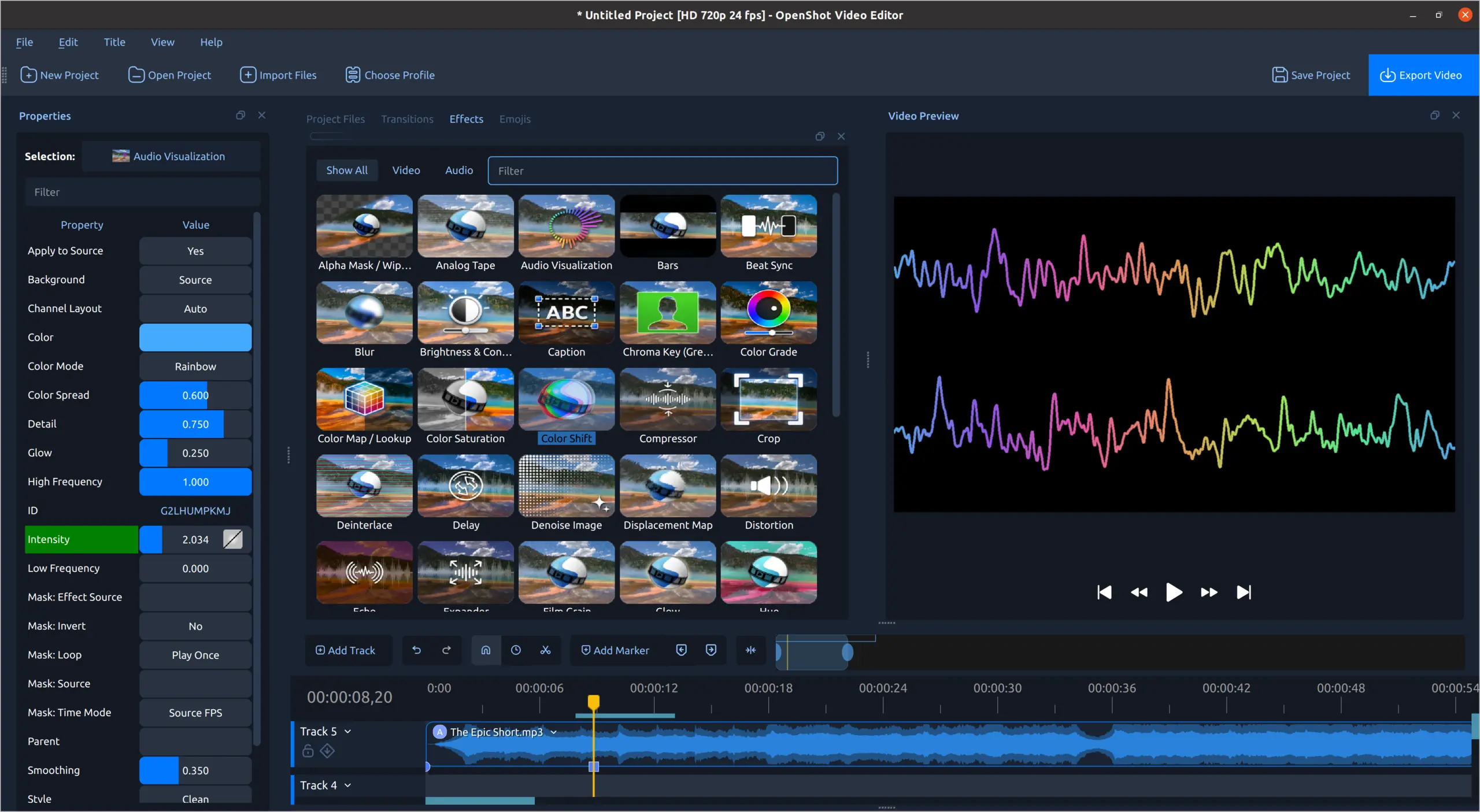
Rainbow waveform
Create smooth multicolor waveforms with adjustable styling.
Free and open source
Make your next video in OpenShot
Edit without subscriptions, watermarks, or project limits. OpenShot is free to download and use.